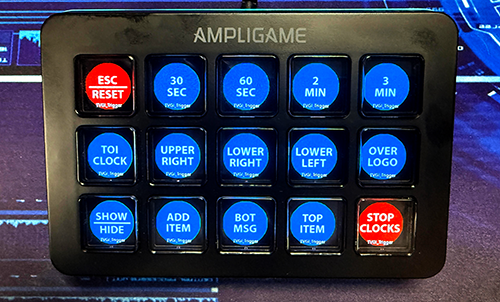
TVGI NDI setup
TVGI Automation Tool
Map physical buttons to TVGI NDI graphics actions for item states, timers, messages, bugs, and operator shortcuts during live selling workflows.

Products
The main TVGI system starts with product data, turns it into live graphics, supports the show with playout, and routes production video where it needs to go. Supporting tools help operators, hosts, and control surfaces move faster during live shows.
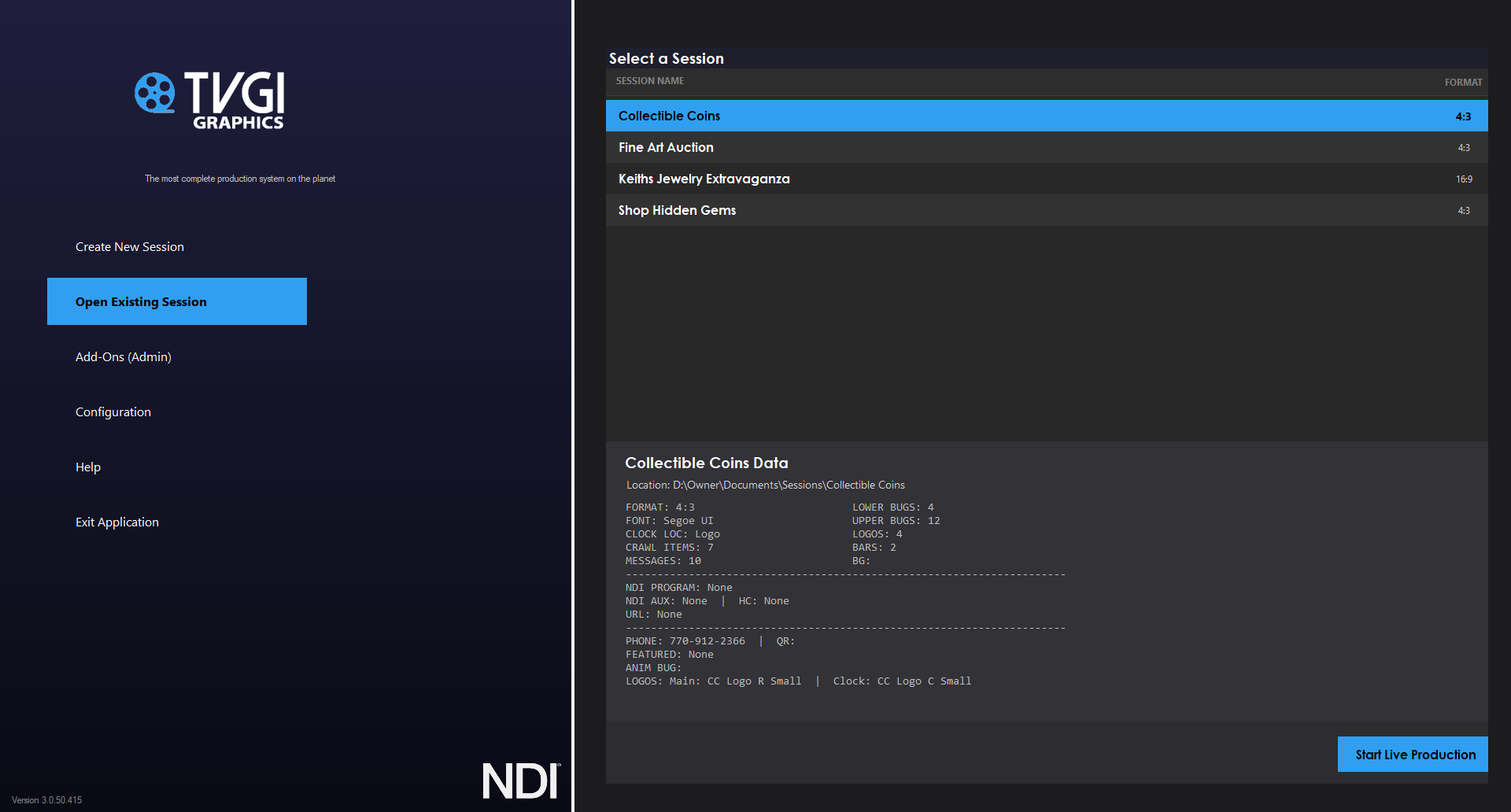
Core suite
These are the main TVGI pillars for live selling, home shopping, product demos, auctions, and broadcast operations.
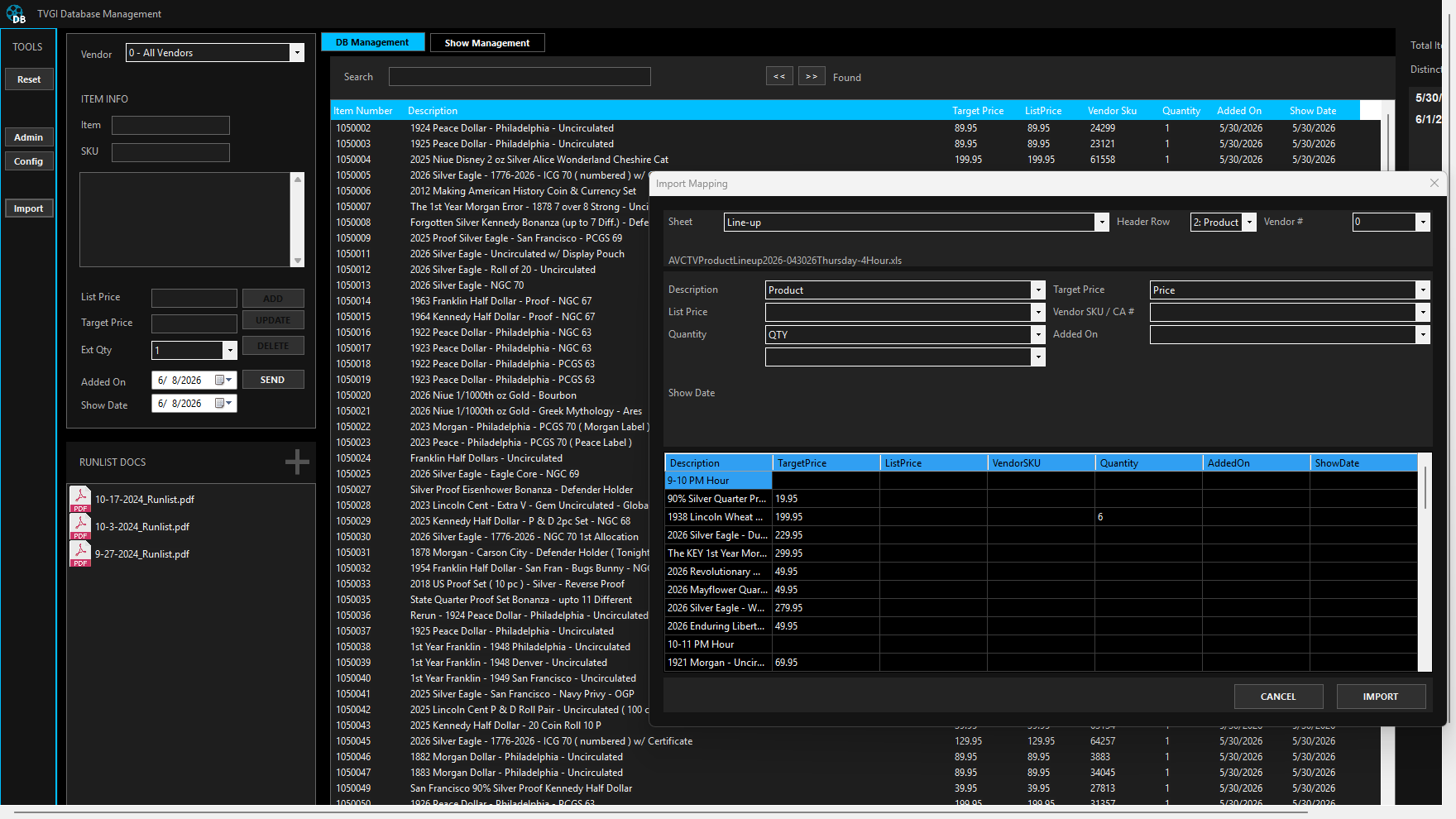
Product data
Manage item records, pricing, vendors, inventory, imports, and database profiles that power the graphics.
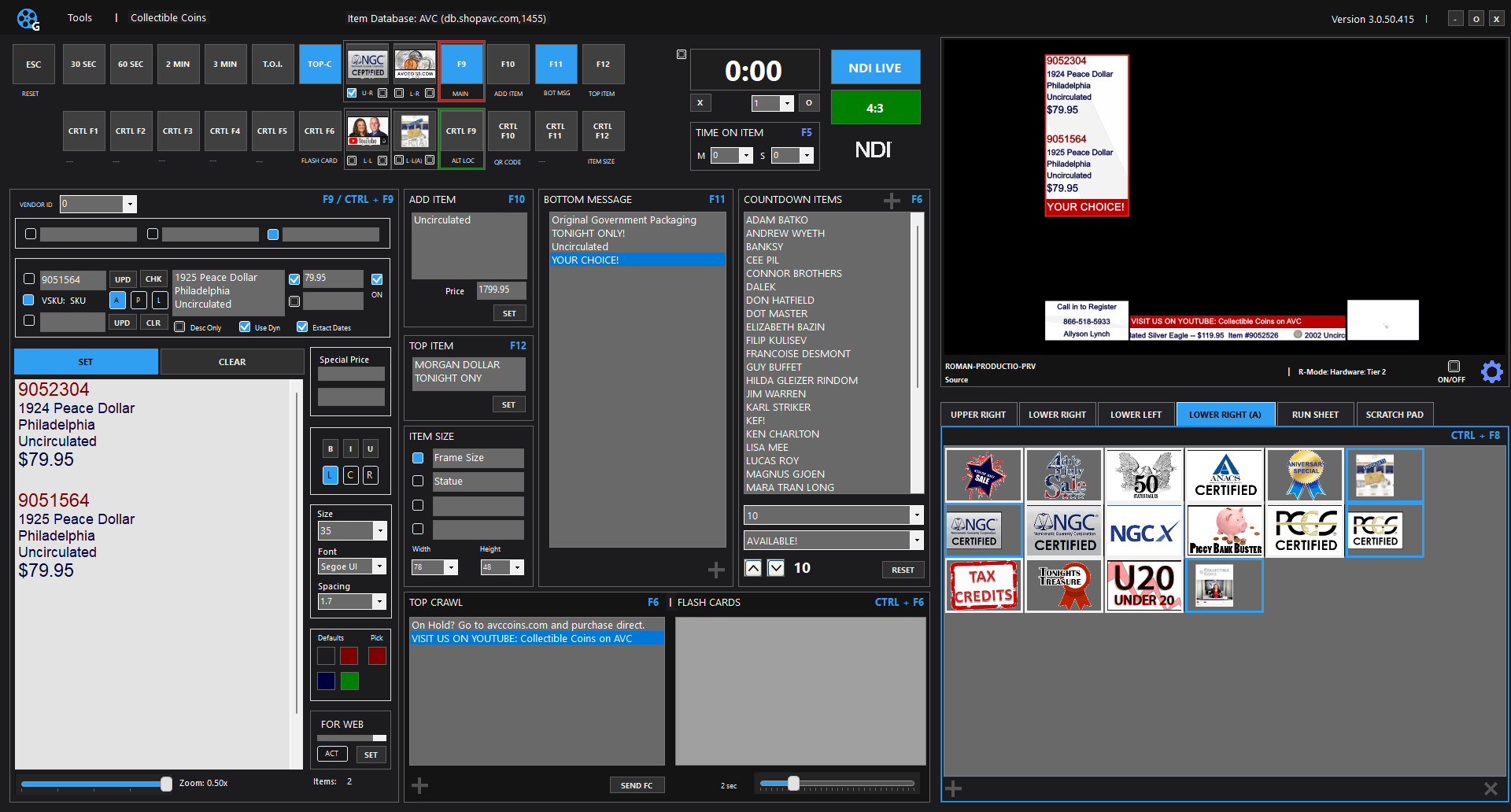
Core graphics
Database-driven live product graphics with NDI output for professional selling workflows.
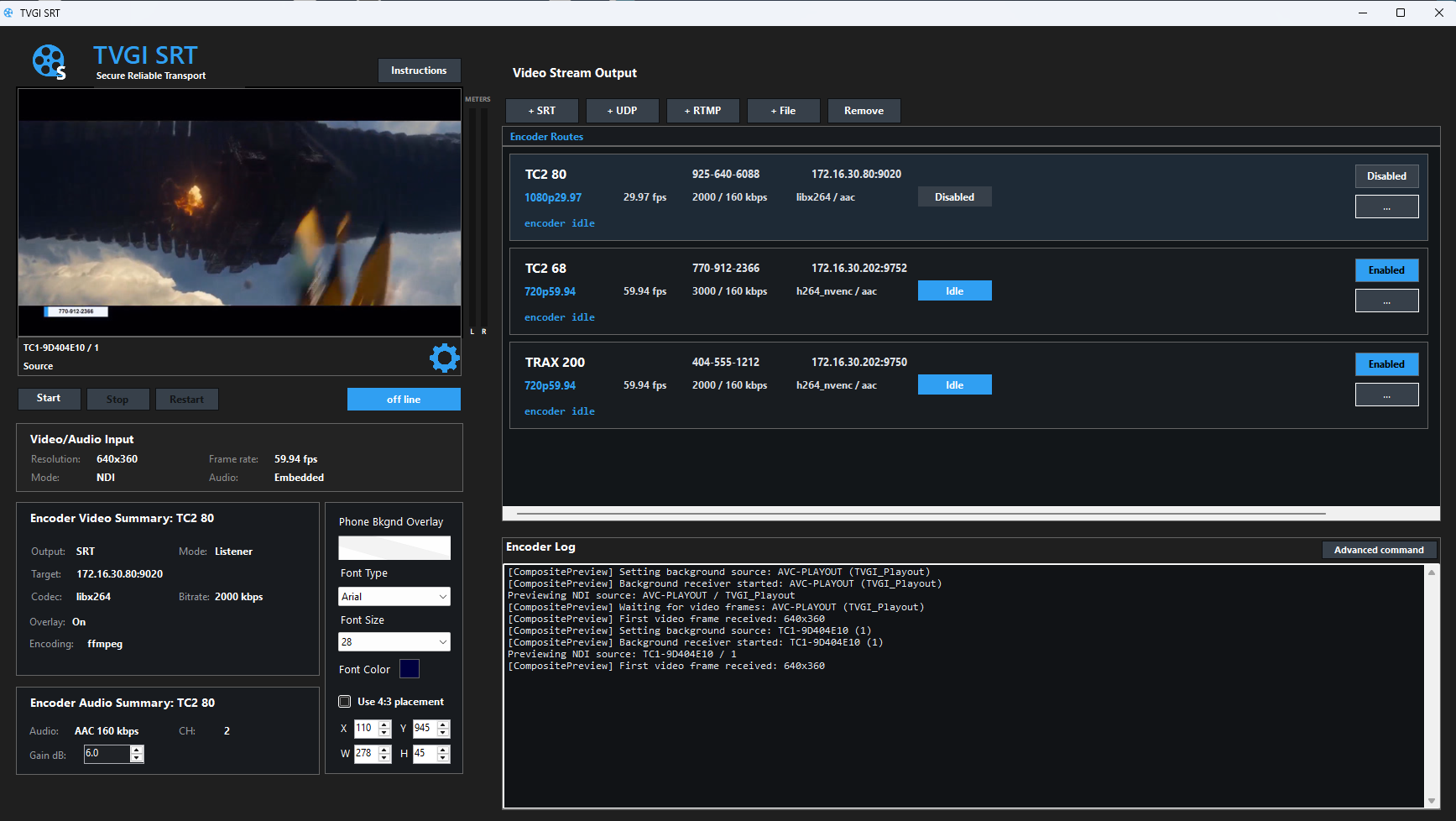
Remote transport
NDI-to-SRT routing and multi-route encoding for remote production and contribution.
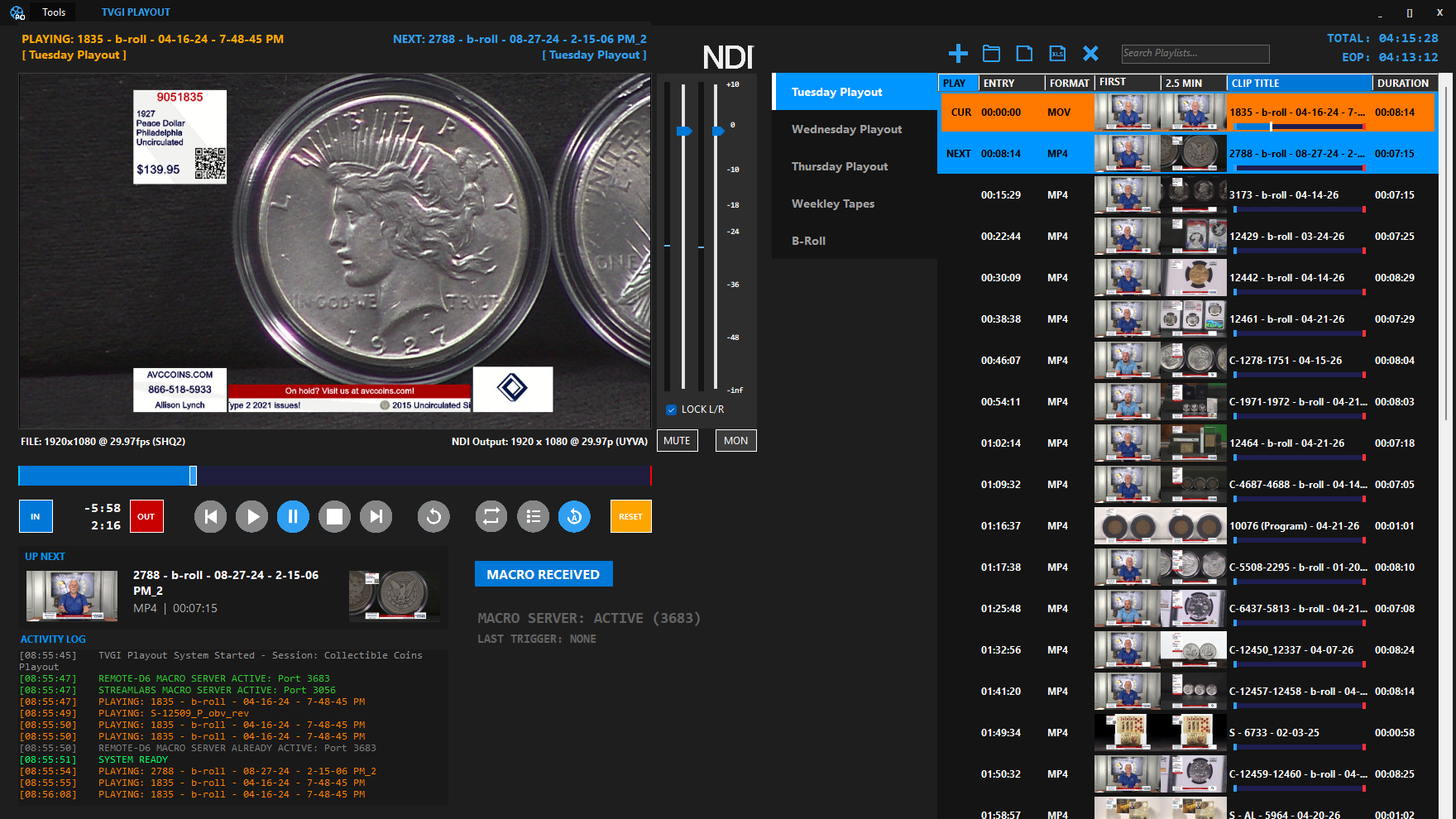
Media playback
Broadcast playlist control, NDI output, macro integration, and show-ready media playback.
Workflow add-ons
These supporting tools make the core products easier to run in a real control-room or live-commerce workflow.
TVGI NDI setup
Map physical buttons to TVGI NDI graphics actions for item states, timers, messages, bugs, and operator shortcuts during live selling workflows.
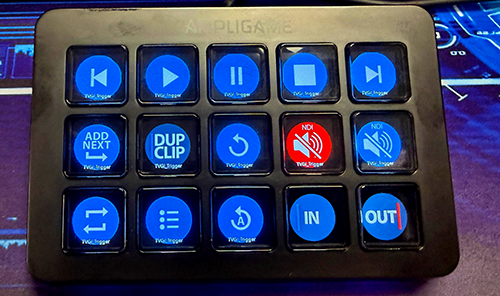
TVGI Playout setup
Use physical controllers like Elgato Stream Deck or FIFINE devices to trigger TVGI NDI and TVGI Playout actions from dedicated buttons built for live production speed.
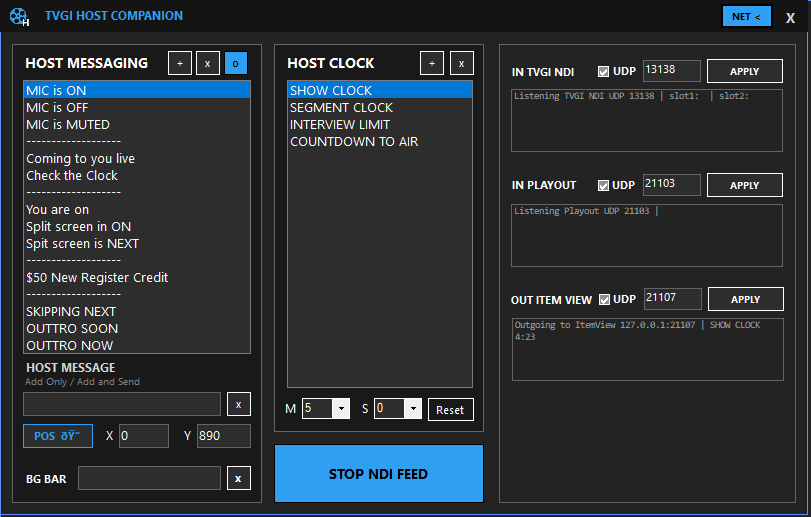
Talent display
Give presenters large-format product information, pricing, clocks, notes, and live context without crowding the control room.
Operator tools
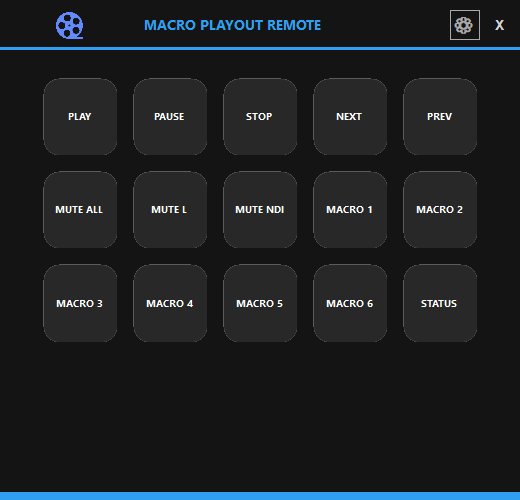
Trigger playout actions, mute controls, and show macros from a clean remote surface designed for quick operator moves.
Find the right setup
Start with product data and graphics, then add playout, SRT routing, host screens, macro control, or physical control surfaces as your workflow needs them.
Request Demo